
Feedback QR Code
Discover industries already using Feedback QR Code
From personal use to business use, potential is endless for all industries.
Customer service
Place the code on receipts or service desks to invite feedback immediately after a customer visit.
Learn MoreEvents and training
Ask attendees for a rating and written feedback from a code displayed at the end of a session.
Learn More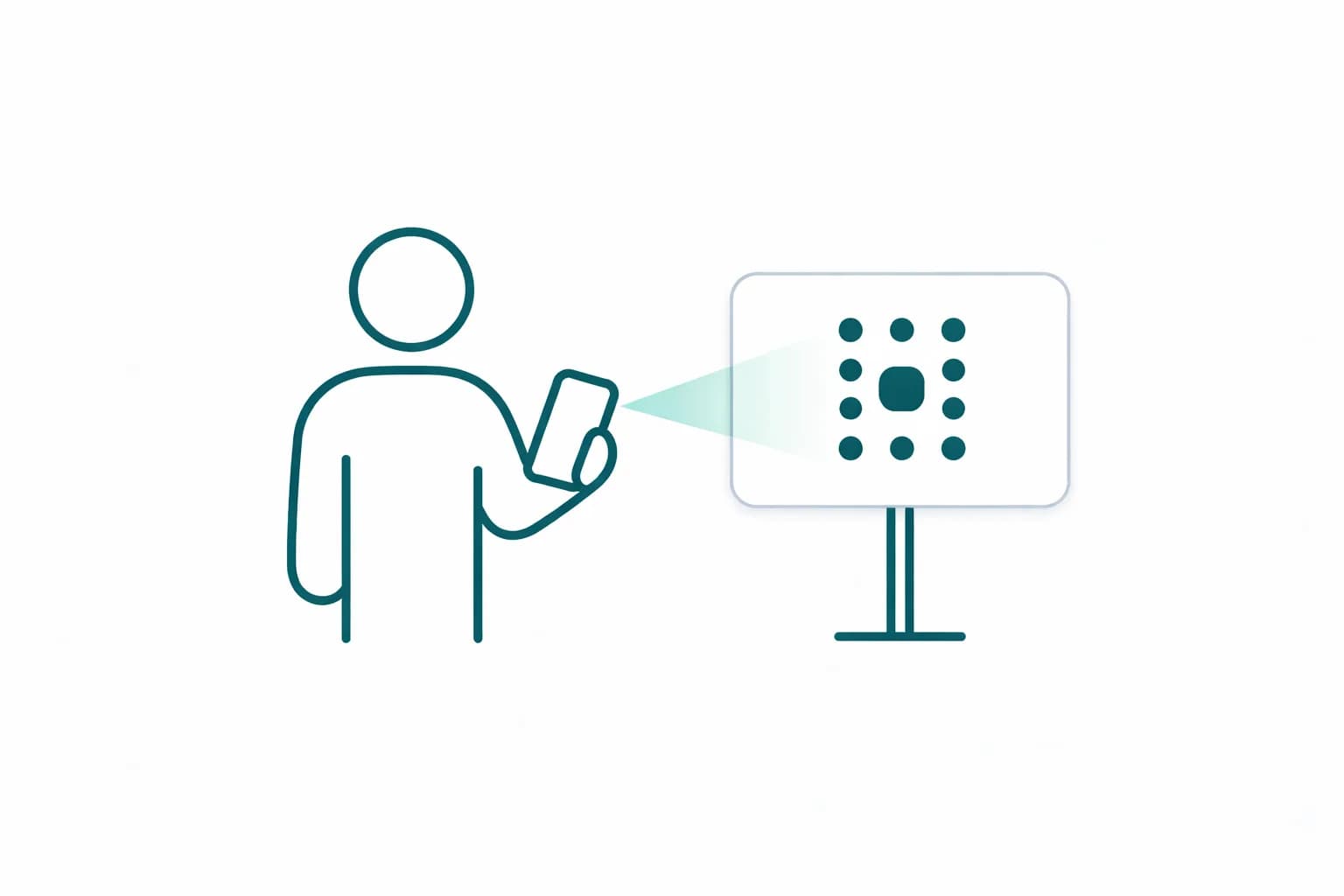
Best Features
The Feedback QR Code will let you engage prospects in a flash!
Instant access on the spot
The Feedback QR code lets people access and open your content instantly — whether it's a URL, a file, or a social media profile.
You can create this code directly in the generator.
Learn More
Editing and data tracking capabilities
Dynamic in nature, you can track the number of scans, the location, and the operating system used.
Edit the Feedback QR code as many times as you need — no reprinting required.
Learn More
Full customization
When creating your Feedback QR code, choose from a wide range of shapes, colours, logos, frames, and calls to action.
You can always come back to your dashboard to recustomize it whenever needed.
Learn More
How to Create a Feedback QR Code
Open Your Account
To start enjoying the benefits of the Feedback QR code, create your free account. It only takes a few seconds.
Get StartedCreate Your QR Code
Choose Feedback, write a clear title and prompt, then preview the rating and comment form on your phone.
Get StartedDownload QR Code
Put the code where people finish their visit and send a test response before asking customers to use it.
Get Started
Benefits of Feedback QR Code
Feedback without a long URL
Visitors can reach a mobile feedback page by scanning instead of typing a survey address.
Ask a focused question
Use a specific prompt about the visit, session or service so comments are easier to act on.
Extra benefits with Premium
Manage Campaigns
Activate, pause, and delete QR code campaigns whenever you want.
Unlimited Designs
Add logos, colours, gradients, and frames to your QR codes.
Measure Scans
Track how many people scan your QR codes, from where, and on what date.
High Quality QR Codes
Download QR codes in PNG and SVG format in the highest quality.
Team Members
Add your team to your Premium account and manage QR codes together.
Folders
Keep your QR codes organised by creating different folders.
Related QR code types
Have more questions?
Find answers to the most common questions about the Feedback QR Code.